Introduction
Choosing the right tablet transforms a digital artist’s canvas into a powerhouse of creativity. With the rapid advancements in technology, artists can now enjoy seamless, intuitive drawing experiences. Samsung Galaxy tablets stand out in this realm, offering exceptional quality for creative minds. This guide explores the best Galaxy tablets for drawing in 2024, detailing why they are perfect for artists and what makes them a top choice.
Key Considerations for Choosing a Galaxy Tablet
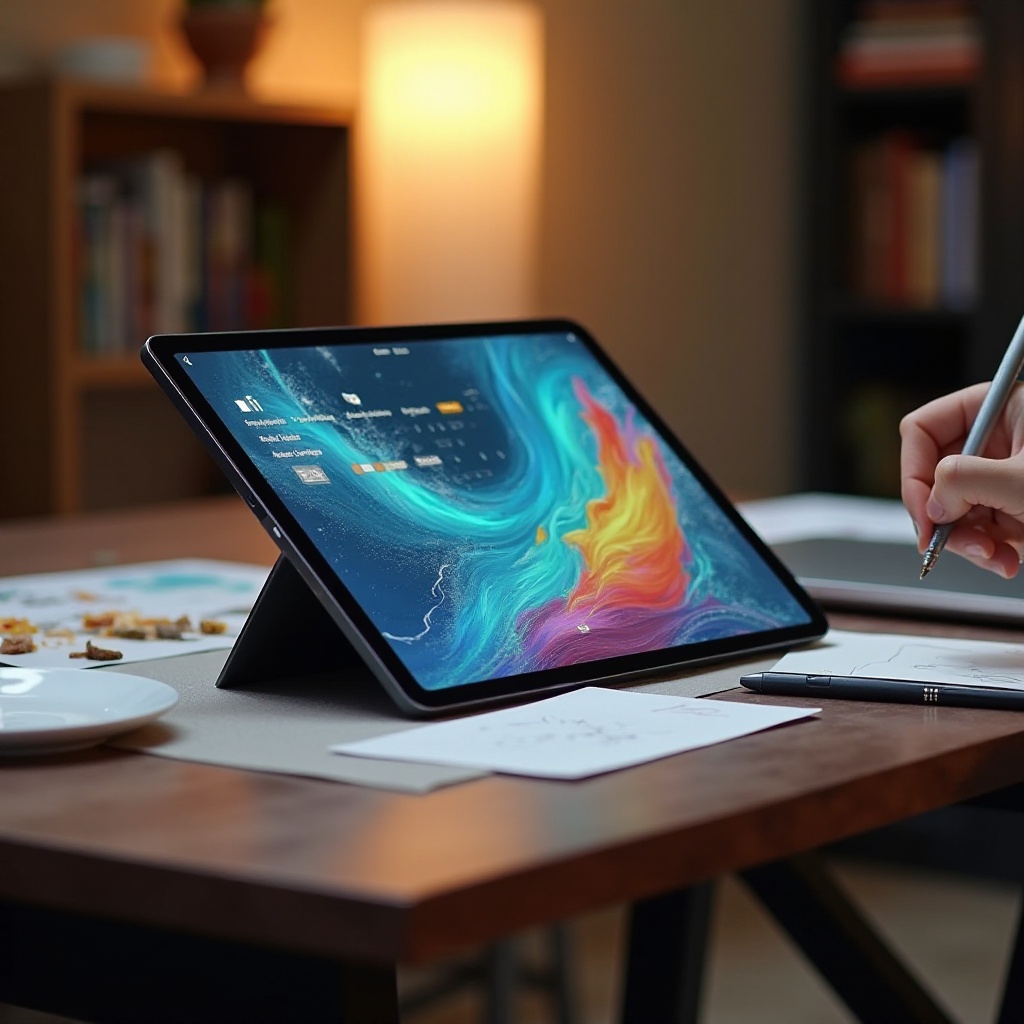
Selecting the ideal tablet involves evaluating several key factors. Screen quality is paramount, as it directly impacts drawing precision. Seek tablets with high resolution and vivid color representation for the best visual experience. Another crucial aspect is stylus functionality. A responsive, pressure-sensitive stylus offers a natural and accurate drawing feel, enhancing the creative process. Performance and speed ensure the tablet can handle intricate tasks without lag, while extended battery life supports prolonged creative sessions. Additionally, ensure software compatibility with popular drawing apps to maximize your artistic potential.
Armed with these considerations, narrowing down the perfect choice becomes manageable. Let’s explore the top Galaxy tablets tailored for artists, each offering unique advantages.
Top Galaxy Tablets for Drawing in 2024
Samsung Galaxy Tab S9 Ultra
The Galaxy Tab S9 Ultra leads the list with its expansive display and top-of-the-line specifications. Artists commend its large screen, which provides ample space for detailed designs.
Samsung Galaxy Tab S9+
This tablet merges impressive performance with an accessible price point, making it ideal for artists who need a blend of speed and dependability.
Samsung Galaxy Tab S8
An affordable entry in Samsung’s lineup, the Galaxy Tab S8 maintains quality. It’s favored by emerging artists seeking a robust entry-level option for digital drawing.
Each tablet offers distinct strengths, appealing to diverse artistic needs. Let’s dive deeper into the advantages that make these models ideal for creators.
In-depth Reviews of Top Models
Samsung Galaxy Tab S9 Ultra
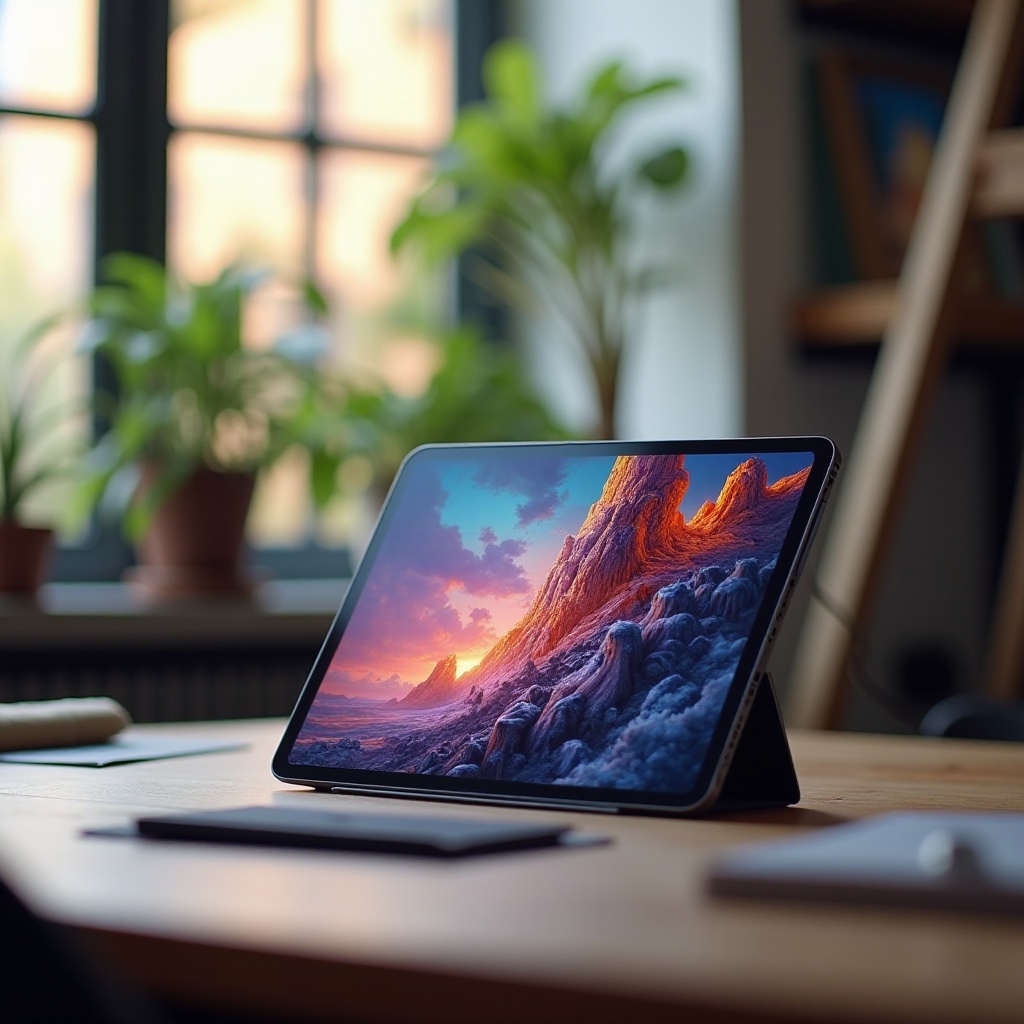
Featuring a stunning AMOLED display with exceptional color accuracy, the Tab S9 Ultra is a favorite among artists. The expansive screen provides a smooth drawing experience, enhanced by the included S Pen. Reviews highlight its powerful processing capability, handling intensive art applications with ease. While it carries a premium price, many see it as a worthwhile investment for serious creators.
Samsung Galaxy Tab S9+
Combining performance and value, the Galaxy Tab S9+ offers impressive specifications, including a fast processor and durable battery life. Users appreciate its lightweight design, enhancing portability for artists on-the-go. The responsive S Pen further complements its capabilities, fostering a natural drawing experience.
Samsung Galaxy Tab S8
For budget-conscious artists, the Tab S8 provides excellent value without sacrificing performance. Users highlight its reliable battery and decent screen resolution, which suffice for most drawing tasks. While lacking some advanced features, it stands out as a popular choice for newcomers to digital art.
Recognizing these strengths helps in understanding how Galaxy tablets stand out against competitors.
Comparing Galaxy Tablets to Competitors
When compared to rivals like the iPad Pro, Galaxy tablets offer distinct advantages. They provide versatile Android compatibility and generally come at a more accessible price point than their counterparts. Moreover, the seamless integration of the S Pen, often included, is a notable benefit compared to competitors where additional purchases are necessary.
By understanding the competition, the strengths of Galaxy tablets become more apparent. To further enhance your drawing experience, consider complementing your device with useful accessories.
Accessories to Enhance Your Drawing Experience
Enhancing your Galaxy tablet’s capabilities can take your creativity to new heights with the right accessories:
- Styluses: While the S Pen excels, alternative styluses can offer varied functionalities to suit personal preferences.
- Protective Cases: Ensure your tablet’s safety with a durable case, especially vital for artists who are frequently mobile.
- Drawing Apps: Access powerful apps such as Adobe Fresco and Procreate to elevate your artistic creation potential.
These additions can significantly enhance productivity and make your drawing experience more enjoyable.
Conclusion
Ultimately, selecting the best Galaxy tablet for drawing involves aligning your needs with the right features. Whether opting for the high-performance Galaxy Tab S9 Ultra, the balanced S9+, or the value-oriented S8, Samsung offers strong choices for artists at every skill level. Choose a tablet that harmonizes with your creative style and project requirements for the best outcomes.
Frequently Asked Questions
What makes a Galaxy tablet good for drawing?
A Galaxy tablet is ideal for drawing due to its high-resolution screen, responsive stylus, efficient processor, and compatibility with drawing apps.
Is the S Pen included with all Galaxy tablets?
Not all models come with the S Pen. It’s important to verify if it is included or must be purchased separately when buying a tablet.
Can I use drawing apps on any Galaxy tablet?
Most Galaxy tablets support popular drawing apps. Ensure the device has sufficient memory and processing power to run your chosen applications effectively.