Introduction
iPhones are known for their sleek design and robust capabilities, yet a question often arises about their storage options: ‘Do iPhones have SD card slots?’ Unlike many of their Android counterparts, iPhones lack this feature. This leads to curiosity and sometimes frustration for those considering device storage capacities. Why has Apple chosen this path, and what alternatives are available for storage expansion?
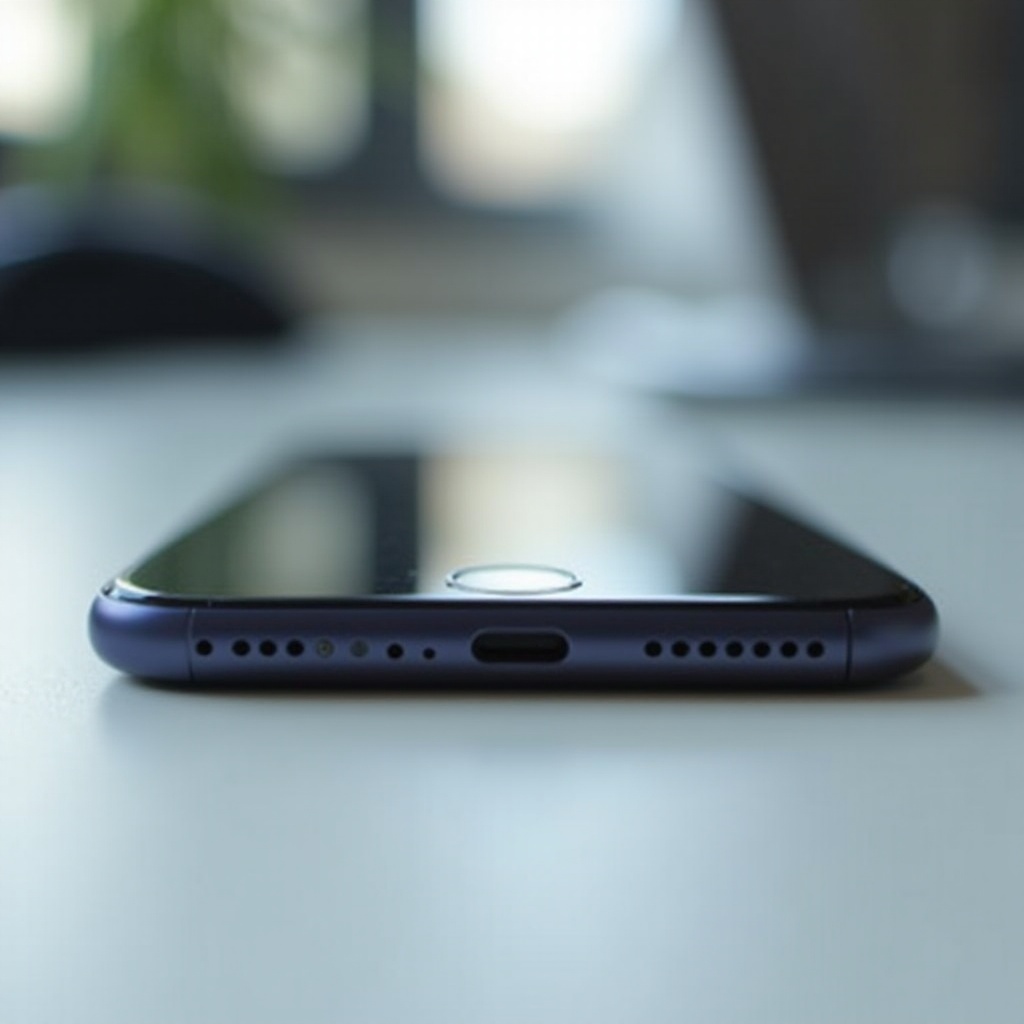
Why iPhones Don’t Have SD Card Slots
The primary reason Apple does not include SD card slots in their iPhones is rooted in their design and engineering ethos. Apple’s focus is on delivering a seamless user experience. SD card slots can introduce security vulnerabilities and potentially affect the performance of the device. By utilizing internal storage, Apple ensures tighter security and cohesion within its ecosystem.
The decision is also about maintaining aesthetic integrity. SD card slots would disrupt the smooth design that Apple devices are renowned for, potentially affecting the ergonomics and form factor that users love. Apple’s approach avoids these pitfalls, supporting a more integrated software and hardware environment.

Apple’s Integrated Storage Solutions
Understanding Apple’s storage philosophy helps clarify their exclusion of SD card slots. iPhones come with varying storage capacities, ranging from 64GB up to 1TB. This range provides options for a wide array of users, from those who need minimal space to those who store extensive multimedia content.
Apple’s ecosystem is designed for a smooth experience. With seamless integration across devices using the same Apple ID, applications, and media are synced automatically. Apple’s built-in storage achieves optimal performance without the risk of lag or incompatibility, which can sometimes accompany external storage solutions.
Following the advantages of integrated storage, Apple leverages cloud technology to further bolster user experience.
Alternative Storage Options for iPhone Users
Without SD card slots, how can iPhone users expand their storage? Several viable alternatives exist:
-
iCloud Storage: Apple’s cloud service allows users to store files, photos, and videos outside the device. iCloud offers scalable plans, enabling flexibility based on user needs. Through iCloud, data is stored securely and can be accessed across all Apple devices.
-
Third-Party Cloud Services: Applications such as Google Drive, Dropbox, and Microsoft OneDrive provide additional cloud storage options. These services promote easy file sharing and are compatible with multiple device types.
-
External Storage Devices: Products like SanDisk iXpand and the Leef iBridge connect directly to the iPhone’s lightning port. These devices provide immediate storage expansion without internal changes.
-
OTG Flash Drives: On-the-Go flash drives are a simple solution for augmenting storage. They plug into the lightning port to transfer files on the go.
These alternatives ensure that iPhone users have ample options to manage and expand their storage as necessary.

Consumer Perspective: The Pros and Cons
Apple’s choice to bypass SD card slots provides a streamlined, secure experience, but it does have drawbacks. Users benefit from reliable, integrated storage that mitigates security risks and enhances device performance. The lack of moving parts means fewer mechanical failures and a smoother device profile.
Conversely, users miss the flexibility offered by expandable storage in many Android devices. Though Apple provides a range of internal storage sizes, heavy users or those budget-constrained by entry-level models might find themselves needing more space. In contrast, many Android devices offer expandable options, letting users scale storage affordably.
It’s a matter of balancing Apple’s seamless integration and security with the adaptability that some users desire.
Conclusion
iPhones may lack SD card slots, but their storage solutions emphasize a cohesive, intuitive user experience. By offering robust internal storage options and a comprehensive cloud ecosystem, Apple maintains its focus on security and performance. Future developments from Apple may alter this stance, but for now, external solutions provide viable alternatives for users seeking additional storage capacity.
Frequently Asked Questions
Can you add extra storage to an iPhone?
Yes, iPhones support additional storage through external devices and cloud services like iCloud.
What are the best alternatives to an SD card for iPhone storage?
Top alternatives include iCloud, third-party cloud services, and external storage devices like lightning-compatible USB drives.
Will future iPhone models include SD card slots?
There is no indication that future iPhone models will include SD card slots, as Apple favors integrated and cloud solutions.