Introduction
The iPhone 16 Pro is a powerhouse in mobile photography, featuring advanced technology that brings professional-quality images within reach. Unlocking the full potential of this device requires an understanding of the best camera settings. This guide provides insights into optimal configurations to capture stunning shots across various scenarios. Whether you’re interested in portraits, landscapes, or nighttime photography, these expert tips will help you make the most of every click.
Understanding the iPhone 16 Pro Camera Features
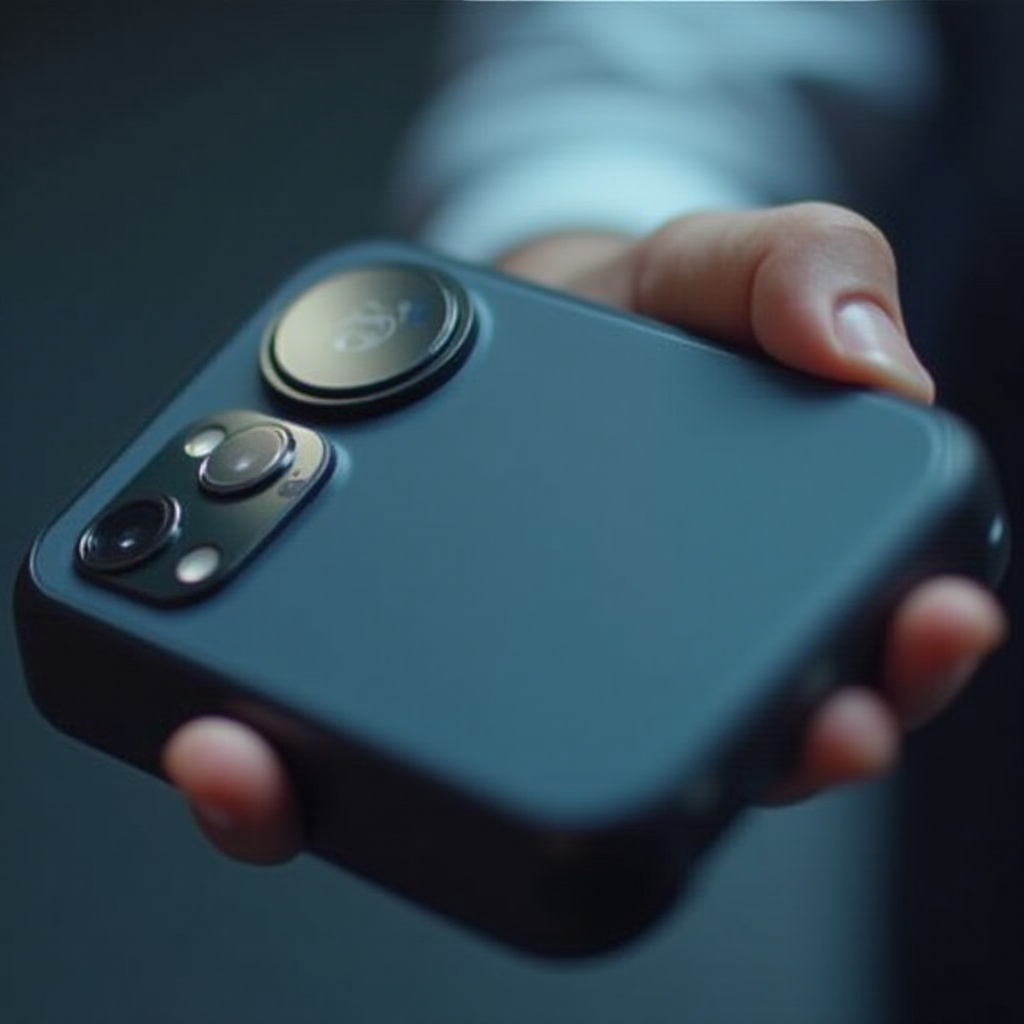
Equipped with groundbreaking technology, the iPhone 16 Pro camera includes wide, ultra-wide, and telephoto lenses, coupled with advanced sensors for high-resolution photography and improved optical zoom capabilities. Stabilization ensures sharp photos even in unsteady conditions. Familiarizing yourself with these features will guide your choice of settings suited for your needs. Let’s start by setting up your camera for optimal performance.
Setting Up Your Camera for Optimal Performance
Setting your camera up correctly is essential before exploring specific settings. Here’s how to do it:
– Initial Configurations: Navigate to Settings > Camera and turn on ‘Grid.’ This tool helps with composition—following the rule of thirds can make your images more appealing.
– Exploring Lens Options: Get to know each lens. Use the ultra-wide lens for sweeping landscapes and the telephoto lens for close-ups. Choosing the right lens for each shot can dramatically enhance your photo quality.
Now that your camera is optimally set, let’s tailor settings for everyday photography.
Best Settings for Everyday Photography
Capturing daily life beautifully can be straightforward with the right settings:
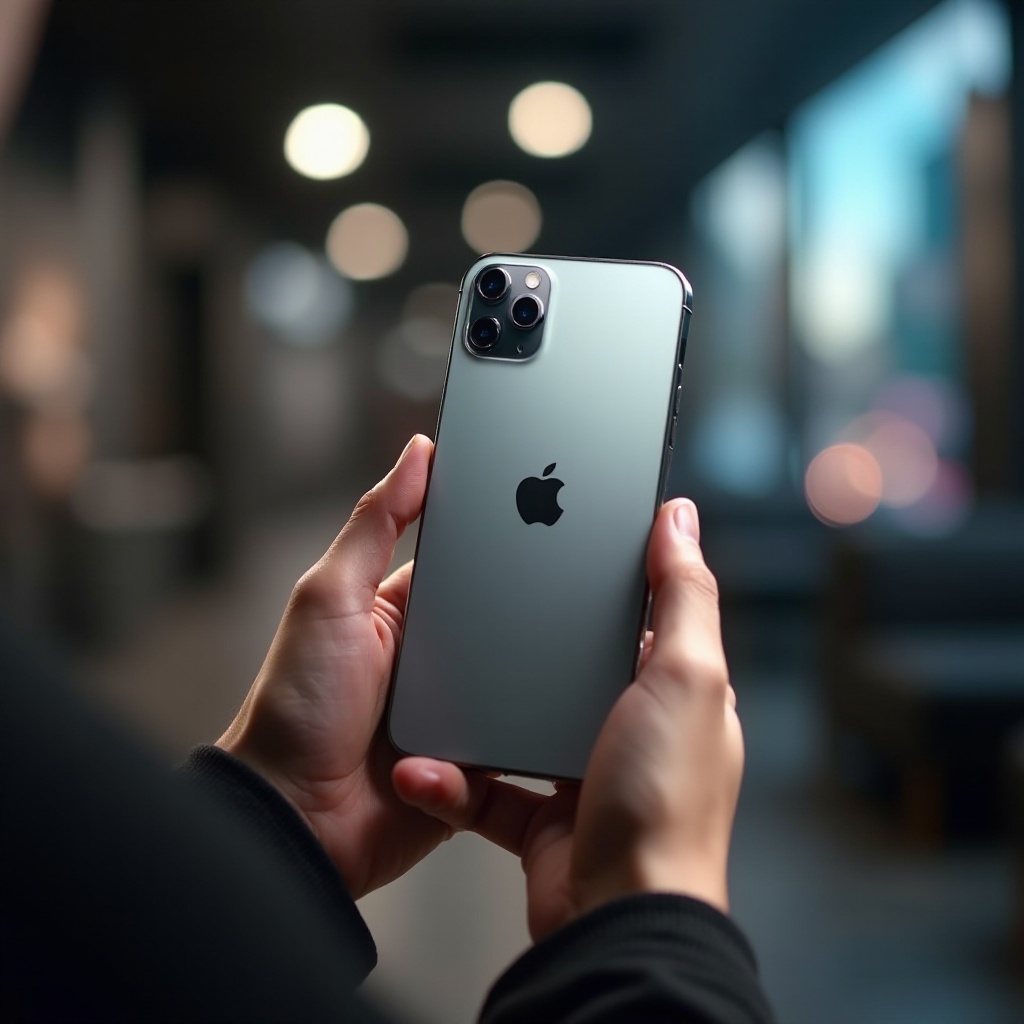
– Automatic Mode Adjustments: Begin with automatic mode to allow the camera to determine the best settings according to the scene. The iPhone 16 Pro’s intelligence allows you to focus on composition rather than technical settings.
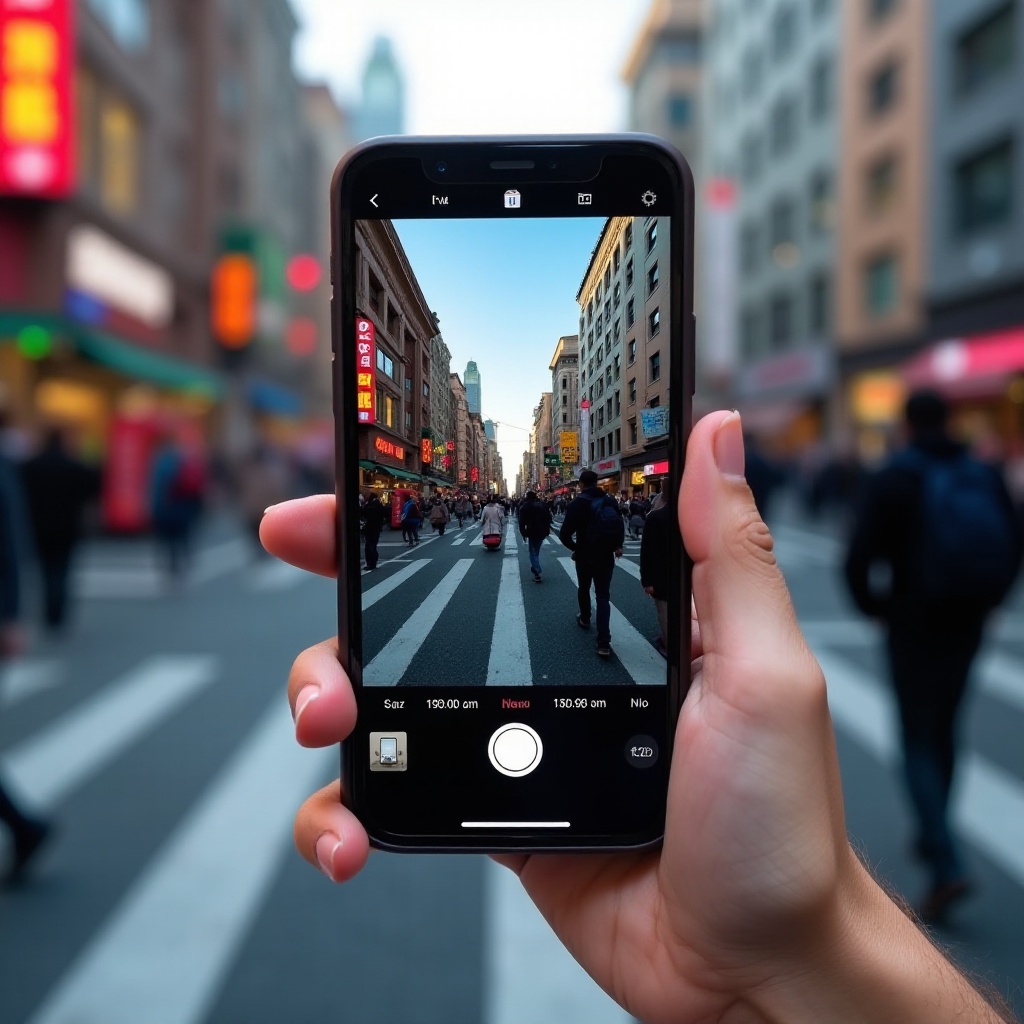
– Manual Focus and Exposure Tweaks: For more control, tap the screen for focus adjustments and slide to refine exposure. These tweaks are essential for achieving ideal lighting, enhancing detail and clarity in your shots.
With competence in everyday shooting, we’re ready to refine your portrait photography skills.
Enhancing Portrait Photography
Portrait photography involves capturing the essence of your subject effectively:
– Utilizing Portrait Mode: Activate Portrait mode for professional bokeh, which emphasizes your subject by blurring the background. Experiment with different lighting effects within the Portrait settings for varied moods.
– Creating Depth Effects: Position your subjects against a simple background to maximize depth effects. Play with distances to ensure optimal focus between the subject and the backdrop.
Portrait mastery enriches your photographic skill set. Next, we’ll unlock techniques for capturing stunning night photography.
Capturing Exceptional Night Shots
Night photography requires specific settings and techniques to thrive:
– Night Mode Optimization: Utilize Night Mode to automatically adjust exposure, allowing more light. Keep your phone steady, or use a tripod to minimize movement and blur.
– Tips for Low-Light Shooting: Leverage ambient sources like street lights creatively. Slightly increasing ISO helps to brighten images but be cautious of noise; find a balance for the best results.
With night photography skills honed, let’s explore advanced settings for adept photographers.
Advanced Photography Settings
Elevate your skills with iPhone 16 Pro’s advanced settings:
– ProRAW and RAW Formats: Shoot in ProRAW for maximum editing flexibility—these files capture additional data, enhancing post-processing for elements like white balance and exposure adjustment.
– Shutter Speed and ISO Adjustments: Third-party apps can offer greater control over shutter speed and ISO, perfect for capturing effects like light trails or improving quality in low-light situations.
Let’s transition from snapping photos like a pro to optimizing your video recording quality.
Optimizing Video Recording Settings
Take advantage of the iPhone 16 Pro’s excellent video capabilities:
– High-Resolution Video Tips: Record in 4K or 8K for sharp clarity. Use 60 fps for smooth motion capture, particularly for fast-paced action.
– Slow Motion and Time-Lapse Settings: Experiment with slow motion to emphasize dramatic scenes. Utilize a tripod for stability in time-lapse shots to ensure they are seamless.
Now with comprehensive photo and video skills, let’s see how photography apps can boost your artistry.
Leveraging Photography Apps for Enhancement
Apps can elevate your photography beyond the camera’s native settings:
– Top Recommended Apps: Adobe Lightroom offers powerful editing tools, while VSCO provides unique presets to enhance vibrancy and mood.
– Complementing Native Settings: Use these apps to tweak details the native settings can’t handle, such as advanced color grading and dynamic range adjustments.
Using these applications will help you perfect every image. To conclude, let’s look at the overarching themes of what we’ve learned.
Conclusion
The iPhone 16 Pro is a leader in mobile photography, offering a comprehensive set of tools to enhance your pictures. By understanding and optimizing camera settings, you transform your photos from ordinary to extraordinary. With experimentation and practice, you’ll be capturing stunning images that stand out in any gallery.
Frequently Asked Questions
How can I improve my iPhone 16 Pro’s battery life while using the camera?
Reduce screen brightness, close background apps, and consider using a battery pack for extended shooting sessions.
What are the best third-party apps for iPhone 16 Pro photography?
Adobe Lightroom and VSCO are top choices for comprehensive editing and unique filters.
How do I maintain the quality of my iPhone 16 Pro’s camera lens?
Regularly clean the lens with a microfiber cloth and store your phone in a safe place to avoid scratches.