Introduction
Integrating a Blackberry keyboard with a Raspberry Pi opens up exciting possibilities for tech enthusiasts and DIY hobbyists. The tactile, responsive design of Blackberry keyboards offers an ergonomic advantage for numerous Raspberry Pi projects, providing both aesthetics and functionality. This comprehensive guide will walk you through selecting the right components, setting up the keyboard, and customizing a case for optimal performance. Let’s dive into why this combination might be the perfect fit for your next computing project.
Why Choose a Blackberry Keyboard for Raspberry Pi?
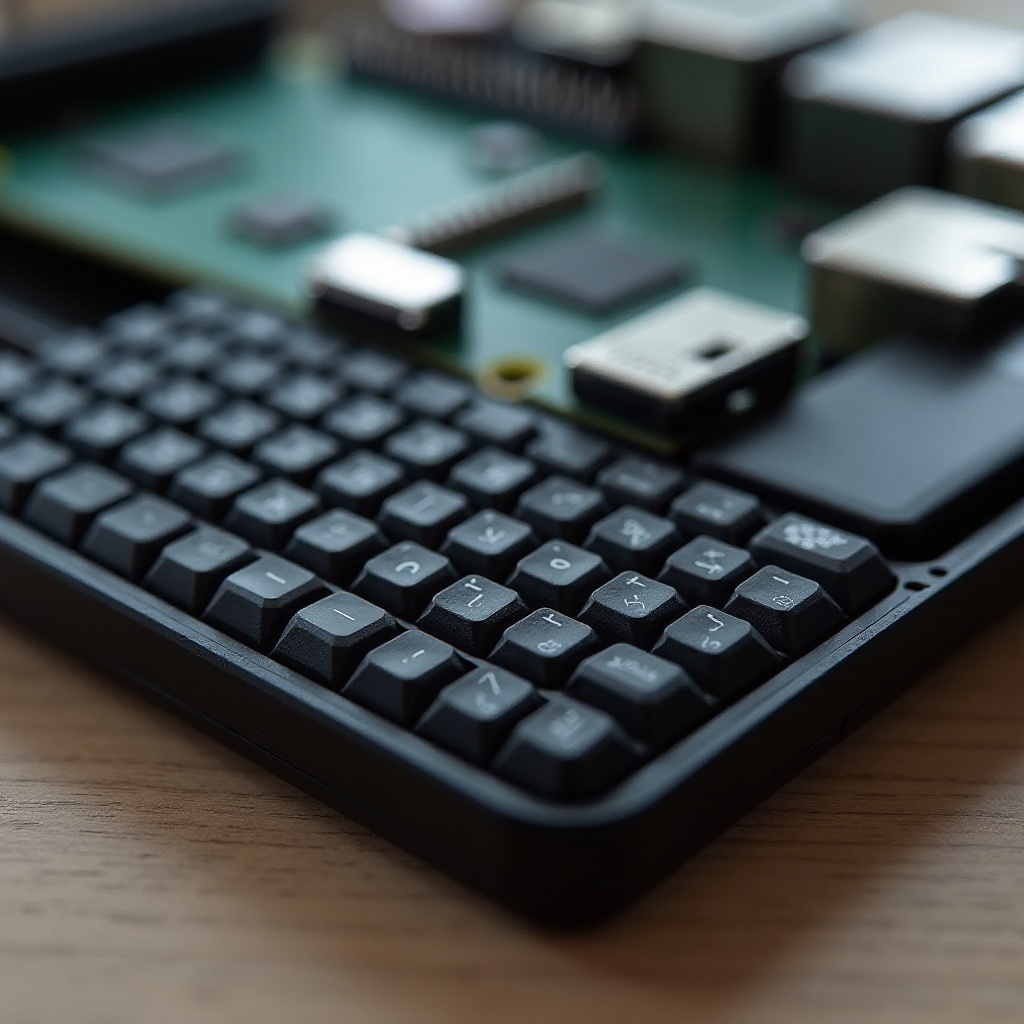
Blackberry keyboards have been cherished for their sturdy design and remarkable tactile feedback, making them a great choice for pairing with a Raspberry Pi. The combination is perfect for creating compact workstations or enhancing existing Raspberry Pi projects. But why specifically a Blackberry keyboard?
-
Advantages of Tactile Feedback and Ergonomics: Blackberry keyboards offer tactile feedback that boosts typing speed and accuracy. Their ergonomic design ensures comfort, essential for lengthy coding sessions or regular tablet usage.
-
Durability and Portability: Blackberry keyboards are built to endure significant use, providing the longevity required for mobile Raspberry Pi projects. Their compact size makes them convenient to carry without compromising on performance.
-
Ideal Scenarios and Use Cases: These setups shine in scenarios like constructing compact workstations or data entry configurations. They particularly benefit users needing a reliable keyboard without the bulk of a full-sized version.
Given these advantages, let us prepare for the task at hand by gathering the necessary materials.
Required Materials and Preparations
Gathering the proper tools and components is the foundation of a smooth setup process. Before you begin, ensure you have the items listed below.
-
Selecting the Right Raspberry Pi Model: Determine your needs specific to your project. Models such as the Raspberry Pi 4 offer sufficient processing prowess for complex tasks, coupled with compatibility for external devices like keyboards.
-
Compatible Blackberry Keyboards: Not every Blackberry keyboard is suitable for connecting to Raspberry Pi devices. Opt for models with proven compatibility such as those from the Blackberry Priv or Blackberry Classic.
-
Additional Tools and Accessories: You’ll also need items like USB adapters, connectors, and power supplies. Be sure to have a micro SD card containing the proper OS and a fitted case to conclude your list.
With all materials in place, we can now proceed with the integration steps to ensure everything fits and functions correctly.
Building the Connection: Step-by-Step Guide
The next phase involves physically connecting your hardware components and configuring software to guarantee the Blackberry keyboard works seamlessly with your Raspberry Pi.
-
Physical Connection Setup: Start by interfacing your keyboard with the Raspberry Pi, using a USB adapter if needed. Ensure all connections are secure to prevent loss during operation and maintain a constant power supply to both devices.
-
Software Installation and Configuration: Install the necessary drivers to support the keyboard recognition. If native support is missing, third-party drivers may need to be sourced. Configure the Raspberry Pi’s operating system to align keyboard input using tools like ‘setxkbmap’ for key mapping adjustments.
-
Troubleshooting Common Issues: Should the keyboard fail to be recognized, review connections or reinstall drivers. If typing delays or odd characters appear, additional key mapping adjustments might be necessary.
With hardware successfully linked, focus shifts to encasing your setup in a secure, well-designed package.
Designing and Integrating the Case
Protecting your Raspberry Pi setup with a complementary case is vital to achieving longevity and portability. Ideally, your case should provide not just protection but also aesthetic appeal.
-
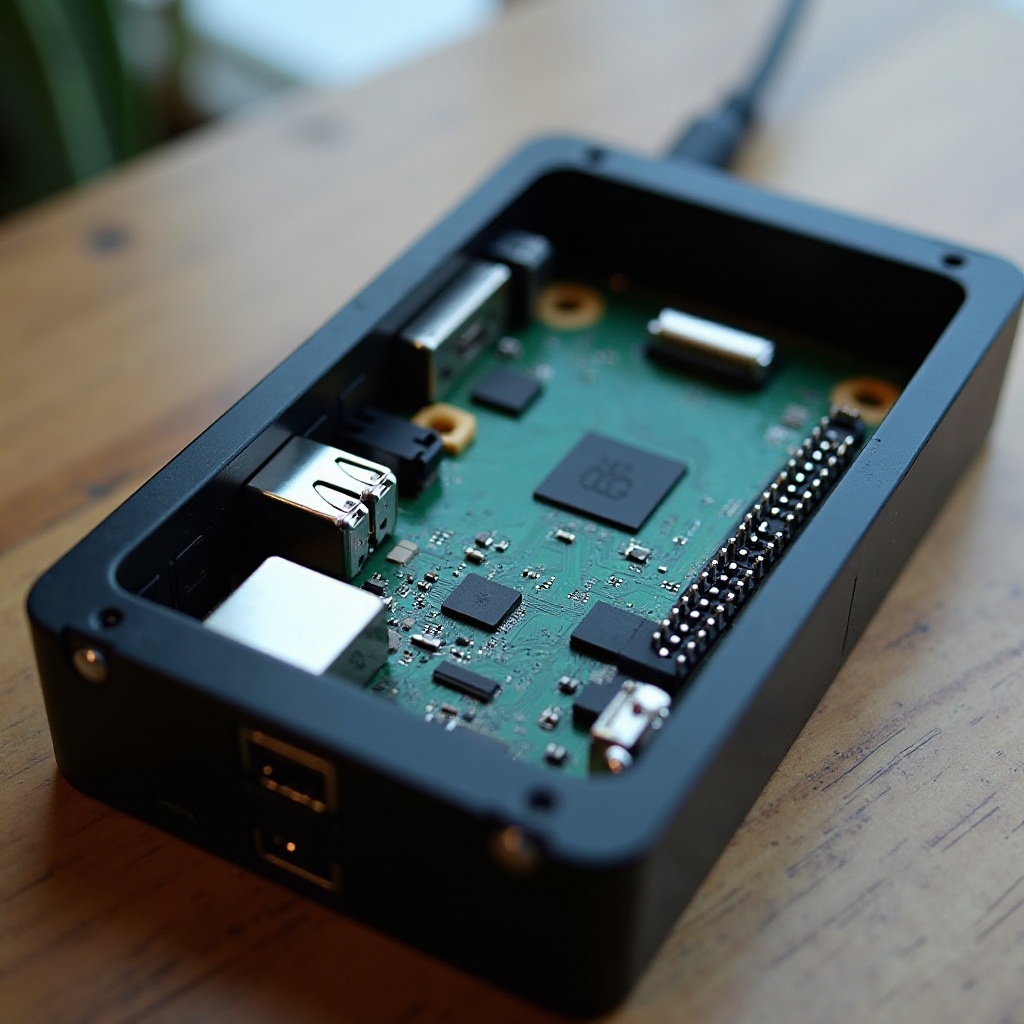
Case Material Options: Durable materials like acrylic or aluminum offer long-lasting protection. Transparency can add personalization to your setup, allowing the internal components to be seen.
-
Customization Tips for Seamless Integration: Adapt your case to include slots for the keyboard and crucial ports. Consider options such as 3D printed cases, which allow for precise customization including additional component spaces.
-
Ensuring Stability and Protection: Ensure all internal elements are secured within the case to avoid any undesired shifting or damage during use. Consider using foam padding or inner fasteners.
Now that your hardware sits comfortably in its case, it’s time to focus on optimizing performance.
Enhancing Functionality and Performance
To maximize this unique setup, apply software enhancements and efficient practices that ensure peak operation.
-
Software Optimizations: Regular software updates may include performance enhancements for peripherals like keyboards. Set up automated updates to stay up-to-date.
-
Useful Scripts and Shortcuts: Enhance efficiency by scripting routine tasks. Create and personalize keyboard shortcuts for frequently used applications to streamline productivity.
-
Maintenance and Upkeep Tips: Maintain your setup with regular hardware cleaning and by checking for wear. Periodically review software settings for potential improvements.
Such enhancements not only bolster functionality but also open doors to creative potential, which we’ll explore further.
Potential Projects and Creative Uses
Equipped with a Blackberry keyboard and Raspberry Pi, you can embark on innovative projects that cater to personal or professional needs, substantially broadening your tech horizons.
-
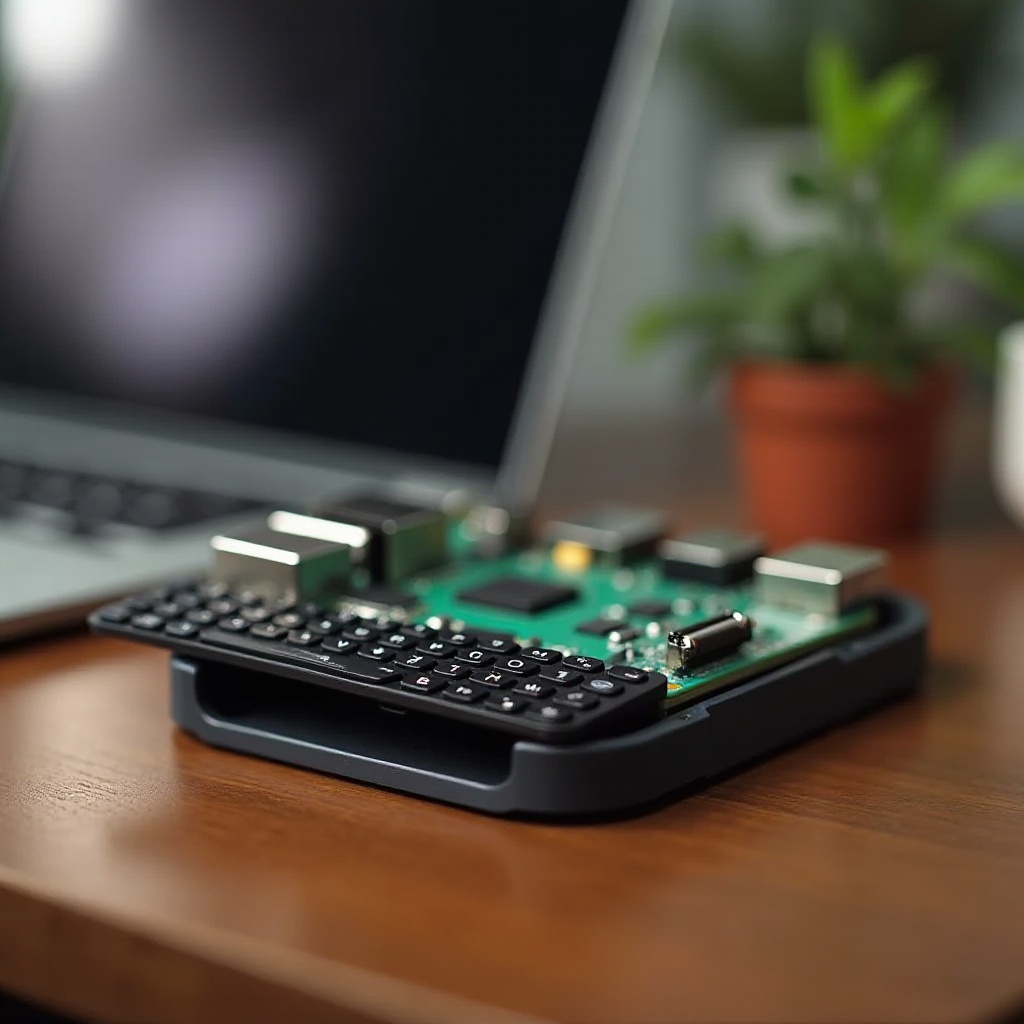
Mobile Computing Projects: Convert your Raspberry Pi into a portable workstation, ideal for travel or on-the-go data entry scenarios.
-
Innovative Raspberry Pi Applications: Utilize its mobility for unique solutions like digital signage display controllers or compact gaming consoles.
-
Community Success Stories: Join Raspberry Pi communities where members share creative successes and ideas, offering inspiration and collaboration.
By undertaking these projects, your Blackberry keyboard and Raspberry Pi setup transforms into a versatile, productive powerhouse.
Conclusion
Pairing a Blackberry keyboard with a Raspberry Pi yields a versatile, ergonomic, and tactile computing setup. This guide laid out the steps from component selection to assembly and optimization, ensuring a seamless integration. Embrace this unique combination to elevate your computing projects and unlock new functions for an array of tasks.
Frequently Asked Questions
How do you connect a Blackberry keyboard to a Raspberry Pi?
Use a compatible USB or Bluetooth adapter for physical connection and ensure you have the necessary drivers downloaded for software integration.
What software is needed for compatibility?
Driver installations and key mapping software like ‘setxkbmap’ are needed to maintain full keyboard functionality.
Can any Raspberry Pi model be used with a Blackberry keyboard?
Most modern models are adaptable, but older versions may require additional connectivity components or yield limited functionality.