Introduction
Thin TVs, with their sleek and modern appearance, are revolutionizing home entertainment setups. By wall mounting these thin screens, homeowners can achieve both a stylish look and functional convenience. If you are considering upgrading your home entertainment system, understanding how to select and install a thin TV will help you make the most of this technology.
Benefits of Thin TVs for Wall Mounting
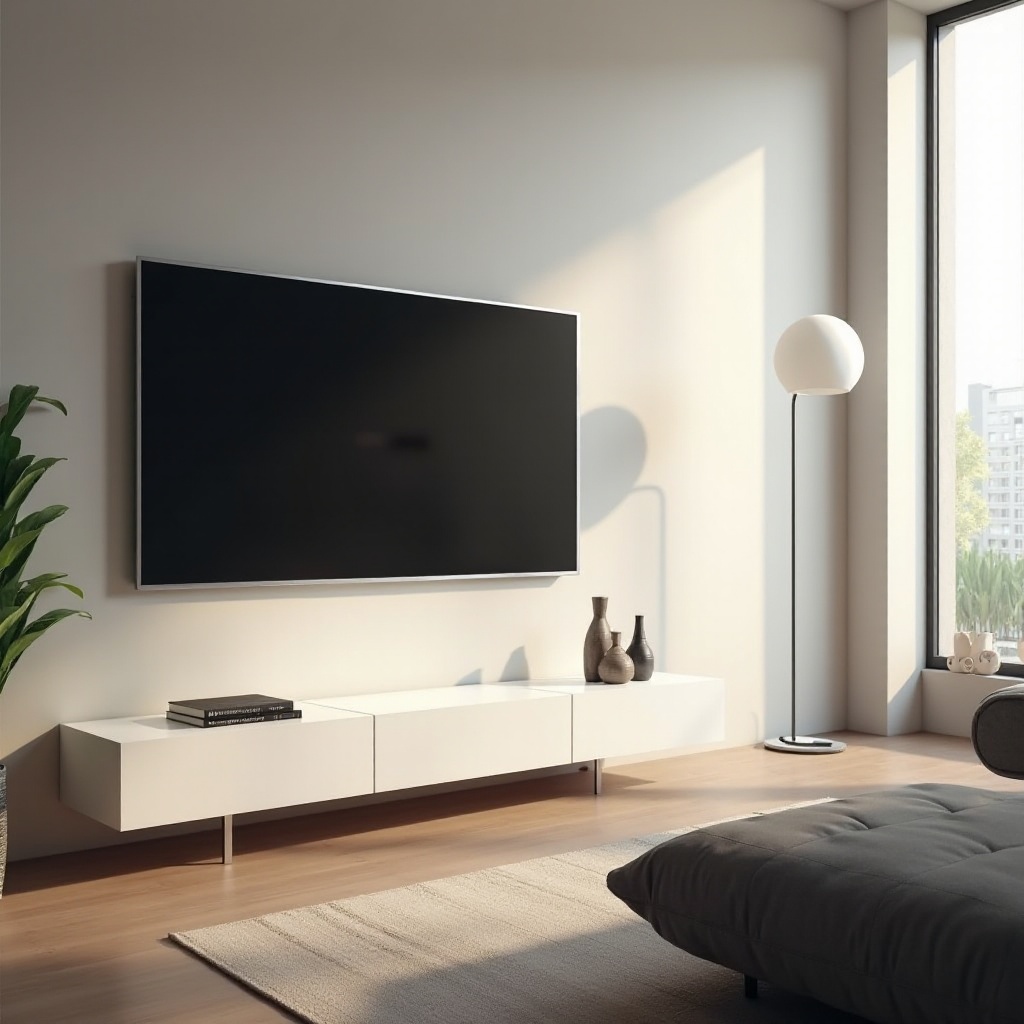
Thin TVs provide numerous advantages that make them appealing to modern homeowners. A key benefit is their ability to enhance the aesthetic appeal of any room. When wall-mounted, thin TVs create a seamless and tidy look by eliminating clutter and bulky TV stands.
They also save considerable space, which is particularly beneficial in smaller rooms or apartments. By using the vertical space on your walls, you free up floor space for other furnishings or simply for better movement around the room. Additionally, wall-mounted TVs offer an enhanced viewing experience. You can position the screen at the optimal height and angle for your seating area, reducing glare and improving comfort.
These benefits make thin TVs an attractive choice, but understanding which features will serve your needs best is equally important.
Key Features to Look for in Thin TVs
Selecting the right thin TV requires careful consideration of specific features. Your choice should be based on how you plan to use your TV and the technological advancements that will offer you the best experience.
When evaluating display technology, prioritize OLED or QLED screens. These provide superior color accuracy, deeper blacks, and better contrast compared to standard LED models. Higher resolution, ideally 4K or even 8K, ensures crisp, clear images, especially for streaming high-definition content.
Connectivity is another critical aspect. Look for models with multiple HDMI ports and USB connections to support a range of external devices, such as soundbars, gaming consoles, and streaming boxes. Built-in Wi-Fi and Bluetooth capability add flexibility and convenience.
Lastly, audio quality should not be overlooked. While thin TVs often have limited internal speaker space, many models now include advanced sound technologies to enhance audio output. Adding a soundbar is a smart way to boost sound quality.
With the right features in mind, exploring the current market offerings will guide you to the best model for your setup.
Top Thin TV Models for 2024
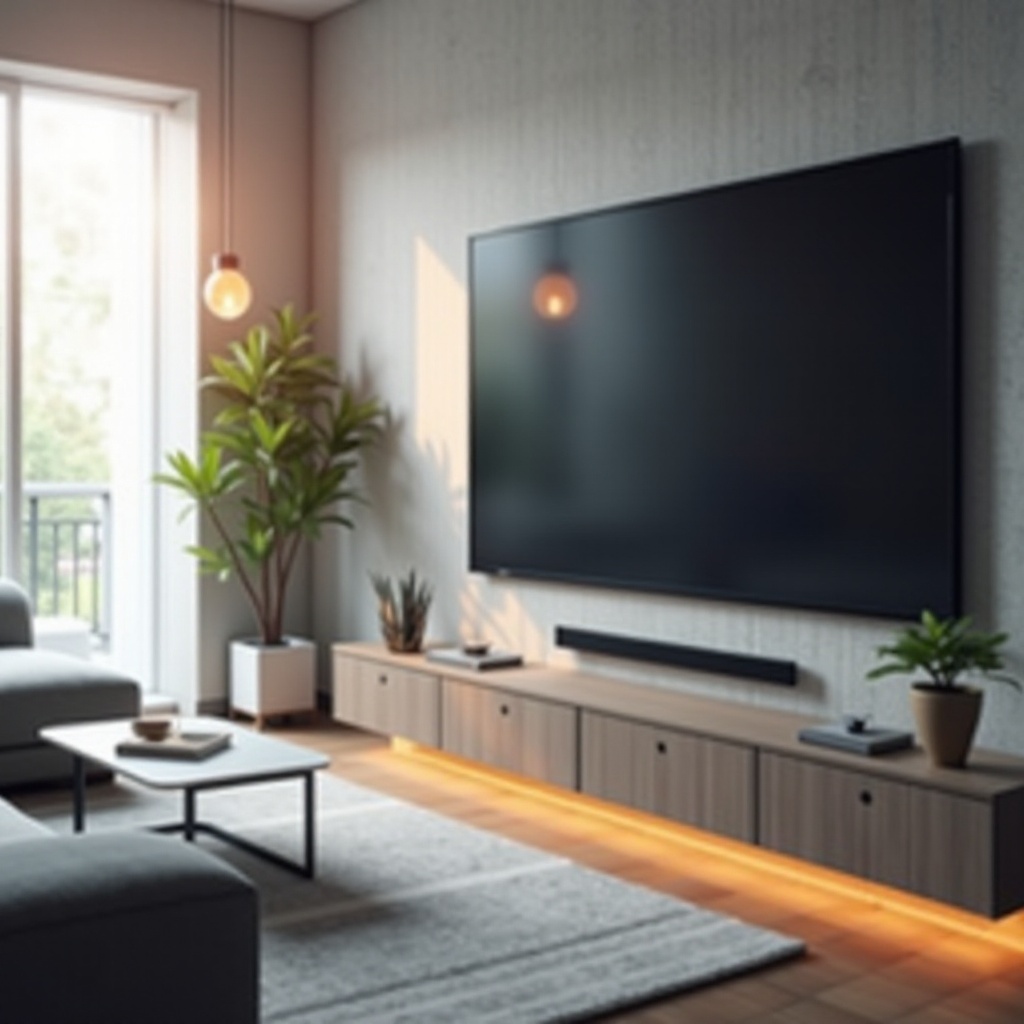
2024 has seen a surge of thin TV models that combine cutting-edge technology with stunning design. If you’re in search of the perfect thin TV, consider these top models.
- Samsung Frame Series: Known for transforming your TV into customizable wall art, this series offers high picture quality with great color and HDR capabilities.
- LG OLED Wallpaper TV: With an ultra-thin profile, this model provides spectacular color and perfect blacks, creating a captivating viewing experience.
- Sony Bravia XR A95K: Featuring the revolutionary Cognitive Processor XR, it delivers precise image processing and vibrant colors.
- TCL 6-Series Mini-LED: This affordable option includes smart features and high color accuracy, offering solid performance for varied content.
Each of these models delivers exceptional quality, so your decision will depend on your unique needs and budget constraints. Once your model is chosen, the next critical step is the installation.
How to Properly Wall Mount a Thin TV
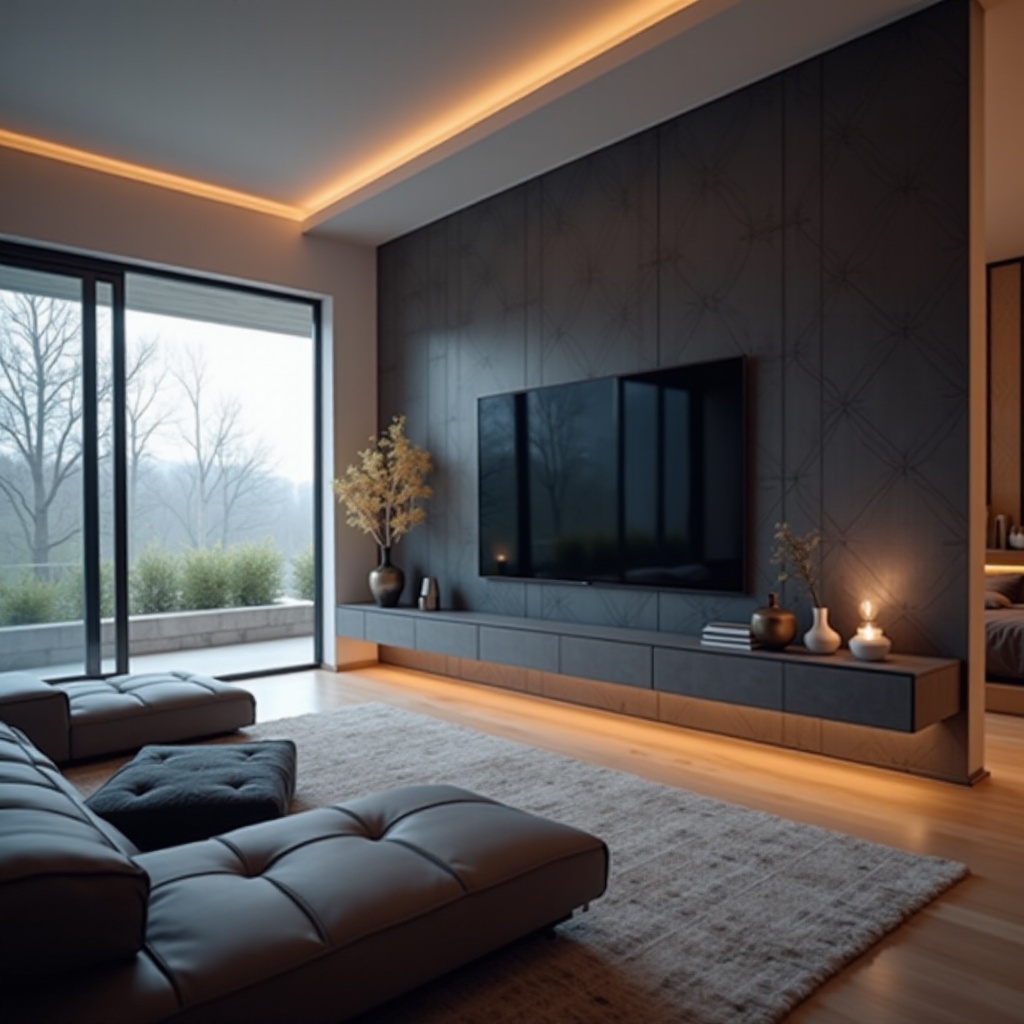
Achieving a secure and visually appealing mount is essential for your thin TV setup. Proper installation not only ensures safety but also maximizes the TV’s aesthetic potential.
Required tools for wall mounting include a stud finder, level, drill, screwdriver, and the appropriate wall mount bracket for your TV size and weight.
Follow these steps for a successful installation:
1. Use a stud finder to locate the wall studs and mark them to ensure you mount into a stable structure.
2. Attach the mounting bracket to the wall aligning with the studs, and use a level to ensure it’s straight.
3. Secure the bracket to your TV according to the manufacturer’s instructions.
4. Carefully and securely lift and attach the TV onto the bracket, making sure all connections are tight.
For safety, always verify the mount’s stability by gently testing the installation. Appropriate cable management will enhance the setup’s clean look.
Maintaining your TV after installation is crucial for longevity.
Maintenance and Care for Wall-Mounted TVs
Proper care of your wall-mounted thin TV ensures durability and continued high performance. Regular maintenance takes minimal effort but delivers lasting effects.
Start with routine cleaning—gently use a microfiber cloth to dust the screen and a lightly damp cloth for the frame. Avoid chemical cleaners as they can damage the screen’s surface.
Periodically inspect the wall mount’s integrity, checking for any loosening of screws or signs of stress, and re-secure the TV if necessary. Keeping the TV’s software updated can also enhance functionality and performance, often adding new apps or streaming features.
Whether looking into upgrades or troubleshooting, staying informed about current and emerging trends in TV technology will keep your viewing experience optimal and innovative.
Conclusion
Wall-mounted thin TVs offer a blend of function and style, transforming any room into a sleek, modern entertainment area. By choosing the right features, selecting one of the top models, and following a careful installation process, you can enjoy a superior viewing experience. Regular maintenance ensures your TV remains a highlight of your home for years to come.
Frequently Asked Questions
What wall mount should I use for a thin TV?
Look for a universal mount compatible with your TV’s size and weight. Full-motion mounts offer optimal flexibility.
Can any wall support a mounted TV?
Most walls can support a mounted TV if mounted onto studs using the appropriate anchors. Professional advice may be needed for certain wall types.
How high should a TV be mounted on the wall?
Mount your TV at eye level from your seating position—typically around 42 inches from the floor to the center of the screen.