Introduction
The Ring Pro 2 video doorbell offers advanced security features that seamlessly integrate into your smart home. This guide details how to install Ring Pro 2 effectively, giving you step-by-step instructions for hassle-free setup. With this guide, you’ll be well-equipped to enhance your home security system.
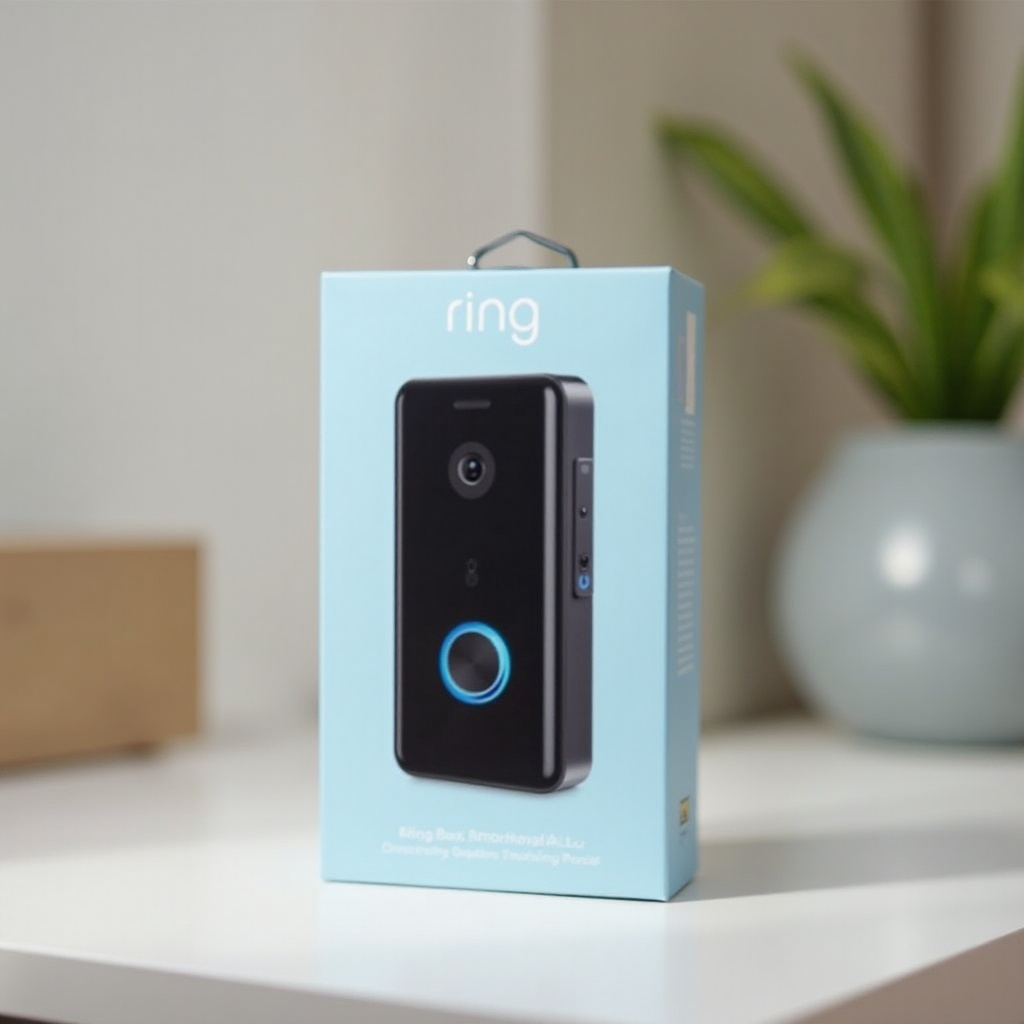
Why Choose the Ring Pro 2 for Your Smart Home?
The Ring Pro 2 is not just a doorbell; it’s a sophisticated surveillance tool that provides HD video, customizable motion zones, and infrared night vision. These features ensure that you’re always aware of visitors or unusual activity at your doorstep. Its compatibility with various smart home systems makes it an excellent choice to enhance your existing setup, ensuring both safety and convenience.
Transitioning from why Ring Pro 2 is advantageous, let’s get you prepared for a successful installation.
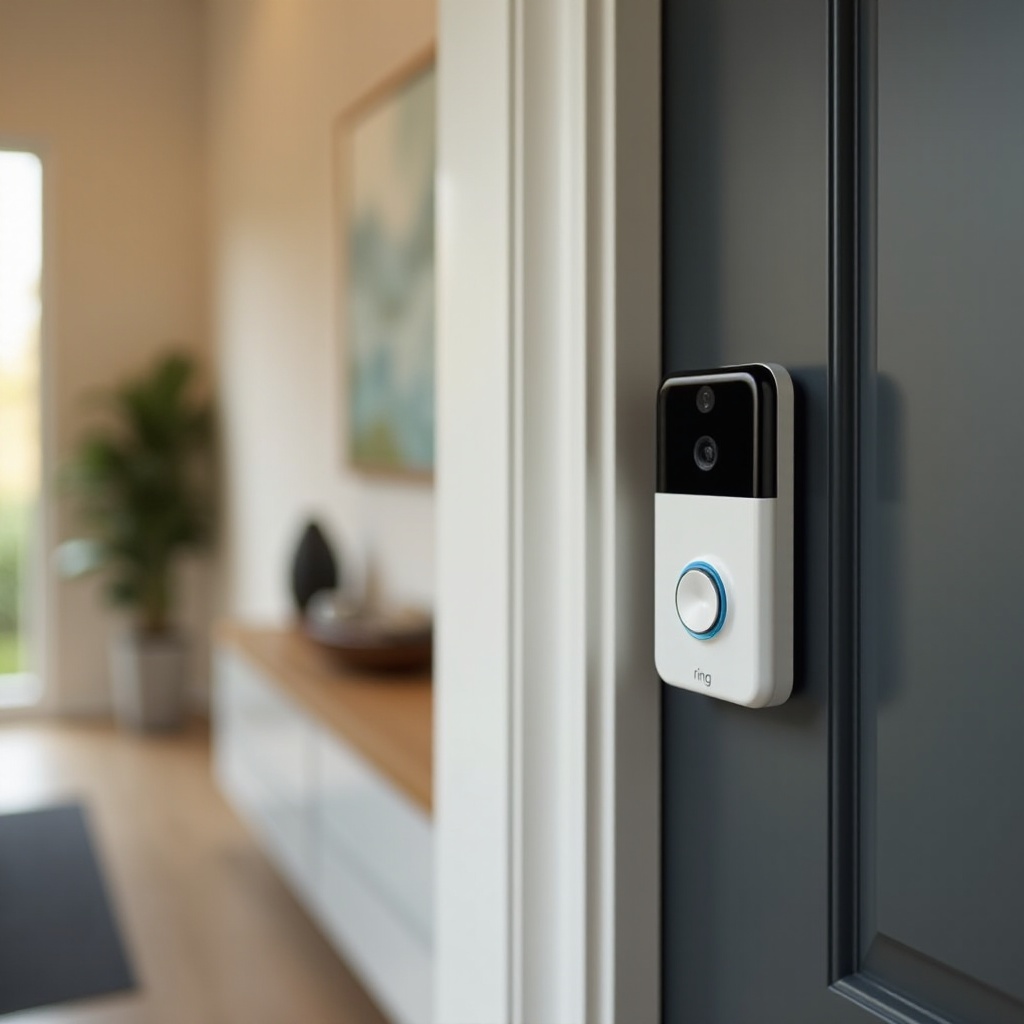
Preparing for Installation
Before you begin, gather the necessary tools and confirm that your current setup aligns with the Ring Pro 2 requirements. Adequate preparation can preclude installation hiccups.
Tools and Equipment Needed:
- A screwdriver
- A power drill (optional)
- A smartphone with the Ring app installed
- Wi-Fi network details
Checking Compatibility with Your Existing System:
- Ensure your doorbell is powered by a 16-24 VAC transformer.
- Verify your Wi-Fi signal’s strength at your doorbell location for optimal connectivity.
Next, with tools ready and compatibility confirmed, proceed to the installation process.
Installation Process
The installation of your Ring Pro 2 is streamlined by following these steps. Start by familiarizing yourself with the products that come packaged with your Ring Pro 2.
Unboxing: What’s Inside?
Your package includes the Ring Pro 2 device, a power kit, screws, anchors, and a screwdriver bit. Having these components prepared and understood will make the subsequent steps easier.
Setting Up the Ring App:
- Download and launch the Ring app on your smartphone.
- Create or log into your account and choose to add a new device, then select Ring Pro 2.
Wiring and Mounting the Doorbell:
- Deactivate power to your existing doorbell at the circuit breaker.
- Remove the old doorbell and connect the Ring Pro 2 using the provided wire nuts.
- Firmly mount the new doorbell with the included screws and anchors.
- Turn the power back on at the circuit breaker.
Connecting to Wi-Fi:
- Follow the app’s instructions to connect your Ring Pro 2 to your home Wi-Fi.
- Test the live video feed in the app to confirm a strong connection.
Once installed, addressing any installation issues promptly can ensure your Ring Pro 2 operates effectively.
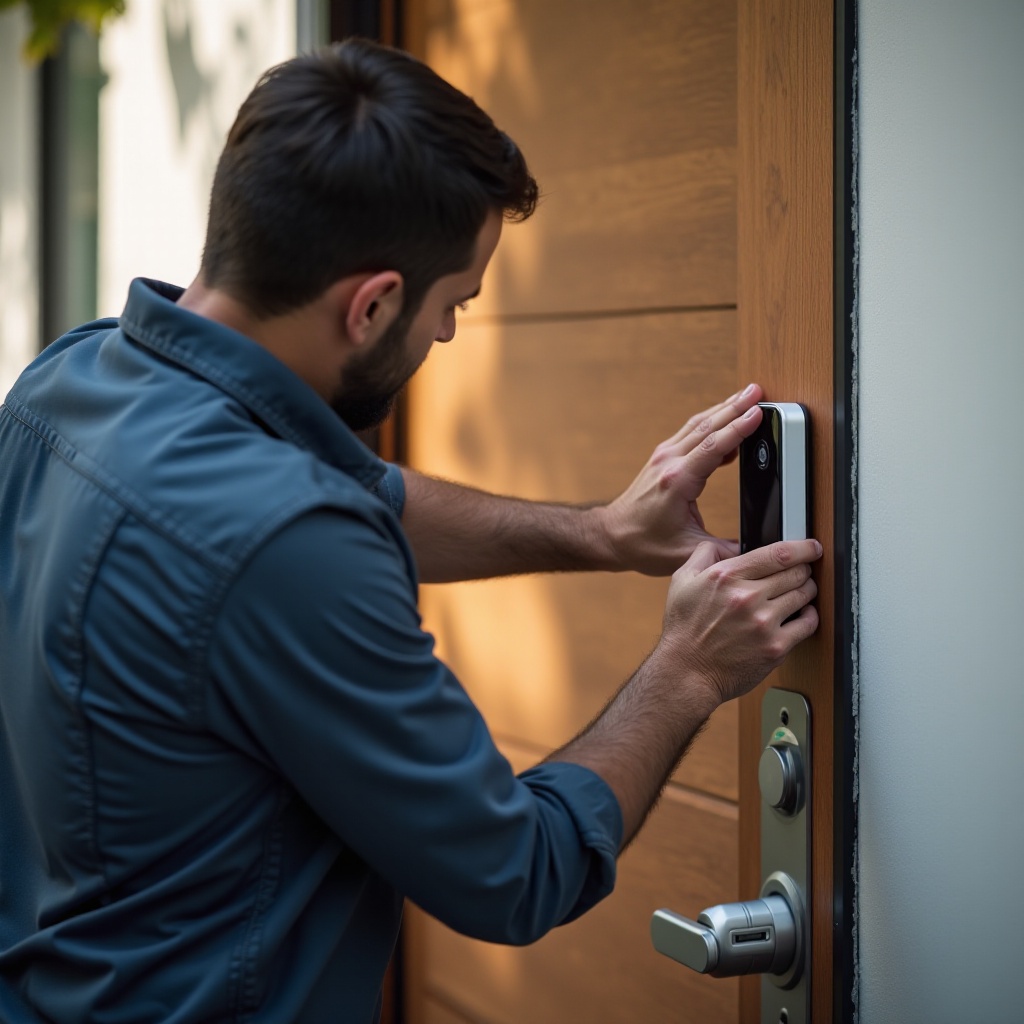
Troubleshooting Common Issues
Occasionally, connectivity or power issues may arise. With some straightforward troubleshooting steps, these challenges can be resolved.
Connectivity Challenges:
- Assess the Wi-Fi signal strength near your doorbell location.
- Power cycle your router and the Ring Pro 2 device.
- If necessary, reposition your router to improve connectivity.
Power Supply Problems:
- Confirm that the circuit breaker is on.
- Double-check all electrical connections for security.
Post-installation, explore how you can enhance your experience with the Ring Pro 2’s advanced features.
Enhancing Your Ring Pro 2 Experience
Once setup is complete, it’s time to take advantage of the Ring Pro 2’s versatile features for maximum security benefits.
Customizing Alert Settings:
- Go to the Ring app’s device settings.
- Adjust motion detection zones and notification alerts to tailor them to your needs and reduce unnecessary disturbances.
Integrating with Other Smart Devices:
Connect your Ring Pro 2 with smart platforms like Alexa, Google Assistant, or IFTTT to create a cohesive, unified smart home environment.
With your Ring Pro 2 now fully operational, enjoy the enhanced security and peace of mind it brings.
Conclusion
By following this guide to install your Ring Pro 2, you’ve effectively bolstered your home’s security. This device integrates effortlessly with existing smart home systems, enriching your living space with state-of-the-art technology. Take advantage of its robust features for added safety and convenience, and explore its capabilities to stay one step ahead in home security.
Frequently Asked Questions
What tools do I need to install the Ring Pro 2?
You’ll need a screwdriver, a power drill (optional), and a smartphone for app configuration.
How do I troubleshoot connectivity issues with my Ring Pro 2?
Check the Wi-Fi signal strength, restart your router, and ensure the device is within range.
Can the Ring Pro 2 integrate with other smart home systems?
Yes, it integrates with platforms like Alexa, Google Assistant, and IFTTT for enhanced control.