Introduction
If you’ve noticed a frustrating green line on your smartphone screen, you’re not alone. This issue disrupts daily interactions, spoils the visual appeal, and could signal underlying hardware or software problems. For many, resolving it is essential for ensuring optimal functionality and peace of mind. In this article, we’ll explore the causes, propose fixes, and discuss prevention methods to help you maintain a crystal-clear display.
What is the Green Line on Phone Screens?
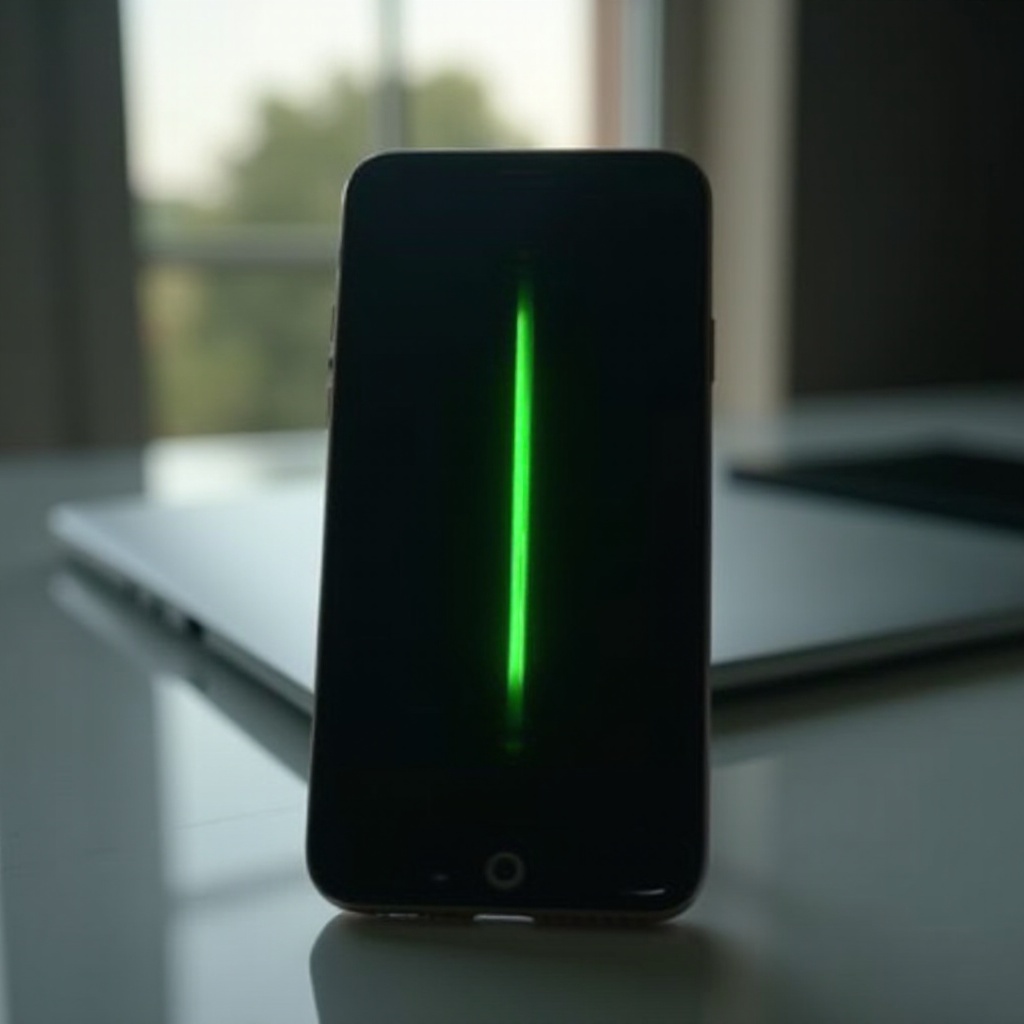
The green line on phone screens typically appears as a vertical or horizontal stripe, disrupting normal visuals. This line may vary in size, intensity, and consistency, sometimes appearing intermittently or becoming a persistent annoyance. It can affect any smartphone model and might lead to performance issues or hinder usability.
Understanding what causes such an anomaly is vital. By identifying whether it’s hardware or software-related, you can pursue the right solutions, maintaining both the performance and aesthetic elegance of your device.
Common Causes of the Green Line
Hardware Malfunctions
Commonly, hardware malfunctions are a primary cause of green lines on phone screens. Issues might arise from internal problems, such as faulty connectors, damaged display cables, or a defective screen. Resolving these requires professional expertise to repair or replace the malfunctioning components appropriately.
Software Glitches
Software glitches can also lead to the appearance of a green line. These may result from recent software updates, malicious applications, or system errors tampering with display settings. Fortunately, many such issues might be resolved with software reconfigurations or updates, negating the need for hardware repairs.
Impact of Phone Drops
Accidental drops of your phone can cause immediate or progressive damage manifesting as a green line. The impact might loosen internal parts, damage display connections, or introduce screen cracks that worsen over time, leading to visible display irregularities.
By understanding these causes, you can efficiently troubleshoot or pursue the best resolution methods suited for your phone.
Initial Troubleshooting Steps
Once possible causes are identified, it’s time for initial troubleshooting. These steps can often resolve the issue without significant interventions.
Restart Your Device
Begin with a simple restart of your device. Many temporary malfunctions, including those affecting your screen, may be resolved with a reboot.
Check for Software Updates
Ensure your phone’s software is up to date. Software updates often come with bug fixes that might resolve glitches causing the green line.
Test in Safe Mode
Consider running your phone in safe mode. This mode disables third-party applications, helping identify if any external app could be causing the display issue.
Solutions to Fix the Green Line
If initial troubleshooting doesn’t do the trick, these solutions may prove effective:
Adjust Display Settings
Sometimes, recalibrating display settings can correct the green line. This might involve tweaking brightness levels, color adjustments, or using display correction features available in settings.
Factory Reset
If all else fails, a factory reset could address stubborn software issues leading to the green line. However, this erases all data, so ensure a backup is available before proceeding.
Use Repair Apps
Various applications diagnose and fix software-related screen issues. Such apps can scan your device for glitches and propose viable solutions to remove the green line.
Should these measures prove ineffective, it may be time to consider professional repair options.
Professional Repair Options
When DIY solutions leave the problem unresolved, seeking professional repair is prudent.
Authorized Service Centers
Bringing your device to authorized service centers ensures experienced technicians address the issue using original parts, maintaining the device’s quality.
Cost-Benefit Analysis of Repairs
Analyzing repair costs is essential. Depending on the severity and frequency of usage, replacing the device might be more economical than expensive repairs.
Warranty Considerations
Check if your phone falls under warranty. Manufacturers often provide coverage for display issues, potentially sparing you repair or replacement costs if the issue is recognized as a warranty-covered fault.
Preventing Future Screen Issues
Implementing preventive measures can significantly lower the chances of recurring screen problems.
Screen Protectors
Invest in high-quality screen protectors to safeguard against impact, thereby minimizing the risk of hardware-induced screen problems.
Regular Software Maintenance
Regularly updating system software and managing app integrity helps avert software-induced glitches that could affect the screen.
Safe Handling Tips
Handle your phone with care to avoid impacts that jeopardize internal components. Using a sturdy case can offer added protection against accidental drops or bumps.
Conclusion
A persistent green line on your phone screen can be a nuisance, but recognizing the underlying causes and implementing the right solutions can restore normalcy. Whether through basic troubleshooting or turning to professional repairs, addressing such issues promptly ensures your device remains enjoyable to use and visually appealing. Prevention, such as cautious handling and software maintenance, can effectively avert these problems in the future.
Frequently Asked Questions
Can a screen protector cause a green line on the screen?
A screen protector is unlikely to cause a green line since it mainly prevents surface damage. The issue is generally screen or software-related.
Will a factory reset remove the green line?
A factory reset may resolve software issues causing a green line. However, if the issue is hardware-related, a reset won’t help.
How much does it typically cost to repair a phone screen with a green line?
The cost varies by model, damage extent, and service provider, typically ranging from $100 to $300. Warranty options might reduce costs.