Introduction
The right microphone can transform your gaming experience, enabling clear communication whether you’re coordinating complex team tactics or broadcasting to a global audience. A superior mic ensures your voice is heard with clarity, creating an immersive environment and making your interactions smooth and effective. This guide explores top microphone choices for 2024, highlighting features crucial for gamers.
Why Audio Quality Matters in Gaming
Achieving victory in gaming often hinges on effective communication. High-quality audio allows for clear commands and feedback, essential for team-based games or when streaming online. Inferior audio can lead to miscommunications, disrupting your flow and negatively affecting gameplay. While sound quality is paramount, understanding additional features such as mic type and setup is also vital for an optimal gaming experience.
Key Features to Consider When Choosing a Gaming Microphone
- Audio Quality and Clarity
-
A microphone’s sound quality is determined by its frequency response and sampling rate. Select a microphone that captures your voice naturally without distortion.
-
Connectivity Options
-
Consider whether a USB or XLR connection suits your setup. USB mics are plug-and-play, ideal for beginners, while XLR offers more control and is preferred by professionals.
-
Build and Design
- Choose a microphone with a sturdy build, possibly with a shock mount or adjustable stand, ensuring it holds up through intense gaming sessions.
Understanding these features helps in selecting a microphone that fits seamlessly into your setup. With this knowledge, you are equipped to explore the finest gaming mics available in 2024.
Top 5 PC Gaming Microphones in 2024
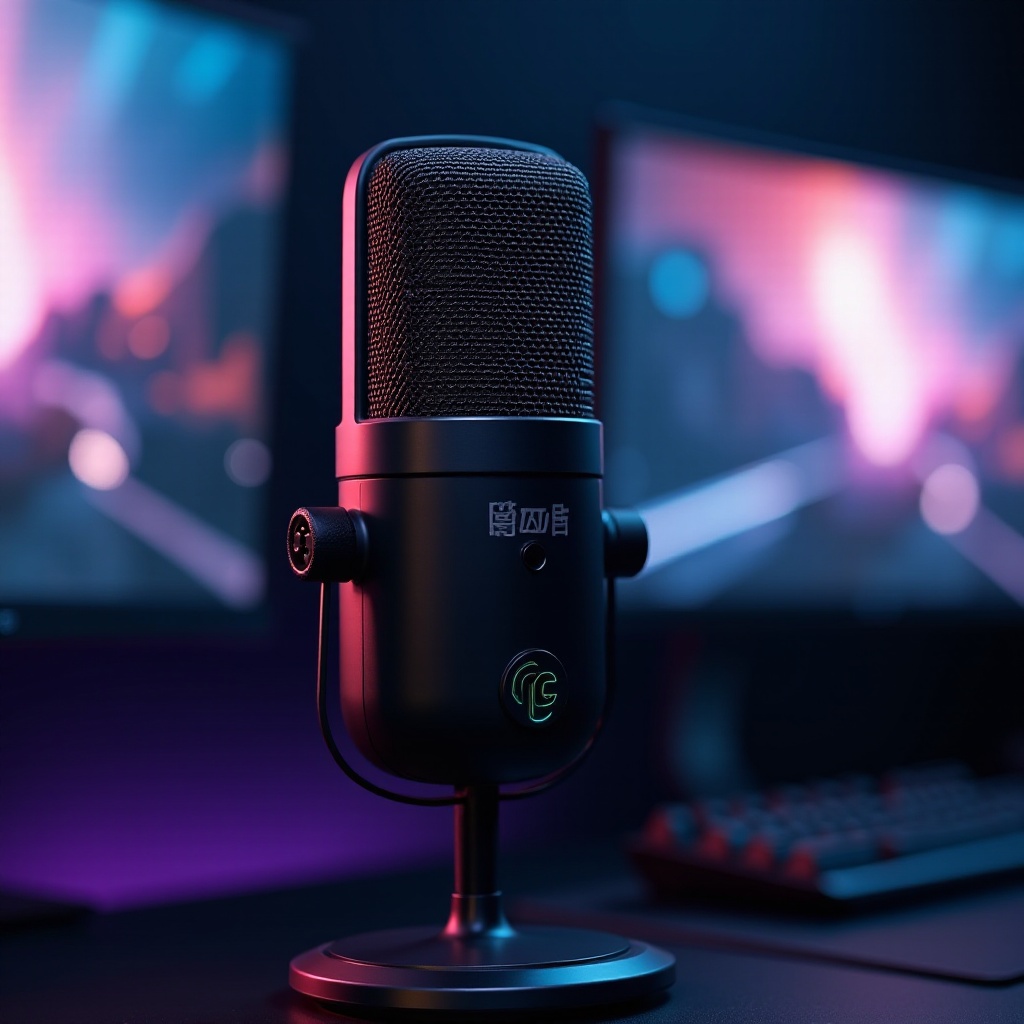
- Microphone 1: HyperX QuadCast S
-
Known for its stunning RGB lighting and excellent sound quality, featuring an anti-vibration shock mount and tap-to-mute functionality.
-
Microphone 2: Blue Yeti X
-
Delivers high-definition sound with a standout LED meter for visualizing your voice levels, perfect for streamers.
-
Microphone 3: Razer Seiren Elite
-
Provides dynamic sound capturing, minimizing distortion through high-pass filters, making it a top choice for competitors.
-
Microphone 4: Audio-Technica AT2020USB+
-
Offers exceptional clarity with demanding audio accuracy, ideal for high-quality broadcasts.
-
Microphone 5: Elgato Wave 3
- Combines a superior condenser capsule with cutting-edge technology, offering unbeatable performance for gamers.
Each model offers unique features tailored to specific gaming styles, whether for streaming, competitive play, or just casual gaming. Choosing the right model will ensure your voice is never misunderstood.
Comparing Condenser and Dynamic Mics for Gamers
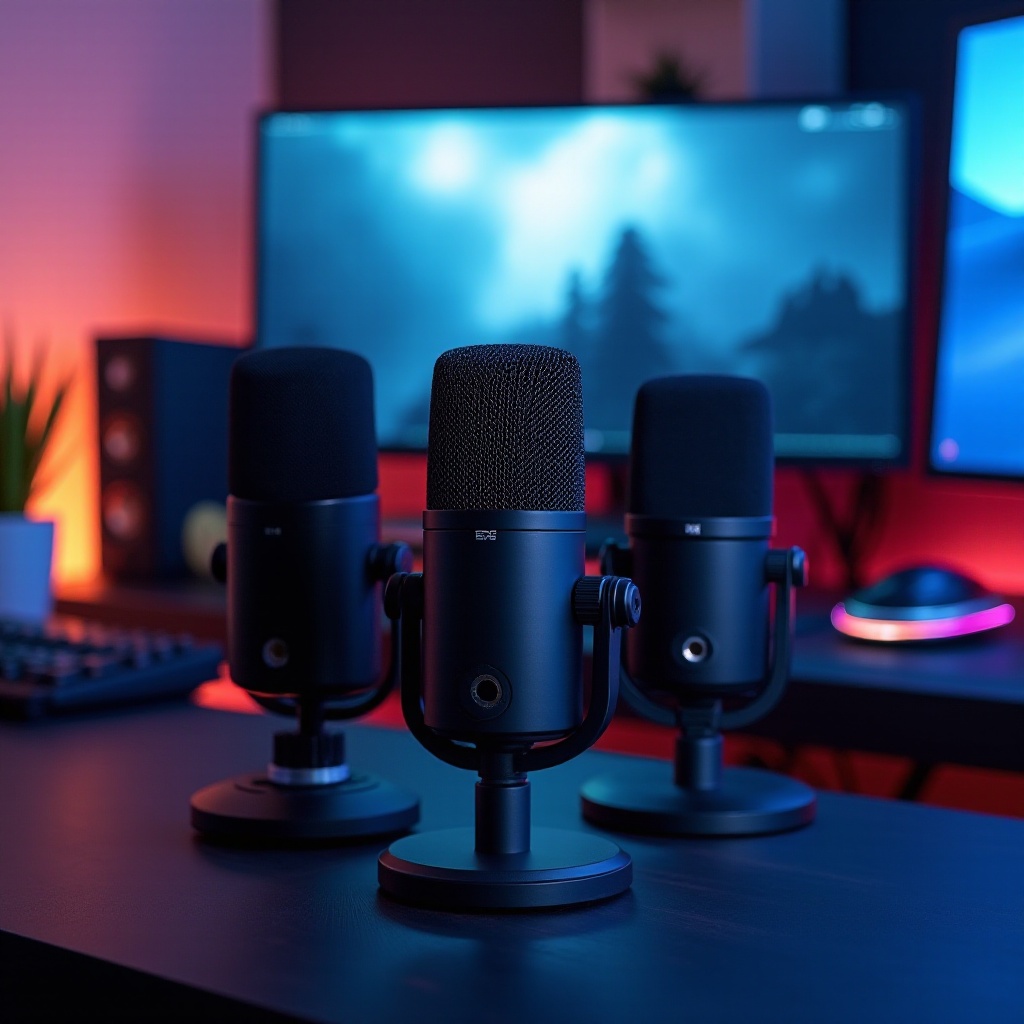
Condenser mics are preferred for their sensitivity to capturing vocal nuances, making them excellent for controlled environments like recording studios or streams. However, they also pick up background noise. Dynamic mics are more robust against ambient noise, suitable for loud settings, and handle vocal spikes effectively. For gamers in noisier settings, a dynamic mic might offer more practical benefits.
This awareness of mic types transitions into the choice between wired and wireless mics, expanding options for setup and use.
Wired vs. Wireless Gaming Mics: Which is Right for You?
Wired mics are often chosen for their reliable connection and superior sound fidelity, making them a staple in stationary setups. Wireless mics, however, offer freedom of movement and can help maintain a neat desk space. They do require maintenance for battery life and are susceptible to interference. Consider your gaming environment—if mobility is crucial, wireless might be worth the trade-offs, while a stable setup could benefit from wired reliability.
Understanding these types of connections allows for a practical setup that can significantly enhance your gaming experience.
Tips for Setting Up Your Microphone for Optimal Performance
- Reducing Background Noise
-
Position the microphone close to your face and use a pop filter to reduce unwanted sounds like pops and sibilance.
-
Configuring PC Audio Settings
- Fine-tune your computer’s sound control panel by adjusting gain settings and enabling noise suppression for clarity.
Proper setup can dramatically improve the clarity and quality of your sound, ensuring you’re heard as intended during gaming sessions. Wrapping up, let’s summarize how you can maximize your choice and use of gaming microphones.
Conclusion
Choosing the best PC mic for gaming involves balancing audio quality, convenience, and functionality. By considering factors such as mic type, build quality, and connectivity options, you ensure an optimized gaming setup that enhances communication. Investing in the right mic means your strategies are executed flawlessly and your content delivered perfectly to your audience.
Frequently Asked Questions
What is the best type of microphone for gaming?
Condenser mics are great for controlled environments, while dynamic mics excel in noisy areas.
Can I use a headset mic for professional streaming?
Headset mics are convenient but usually lack the quality of standalone mics for professional purposes.
How can I improve the sound quality of my gaming mic?
Use a pop filter, adjust sound settings, and position the mic correctly to enhance clarity.